Buying guide
Do AirPods Work With Android?
The short answer is yes. The useful answer is what you keep, what you lose, and whether a different pair suits your phone better.
Yes, they connect
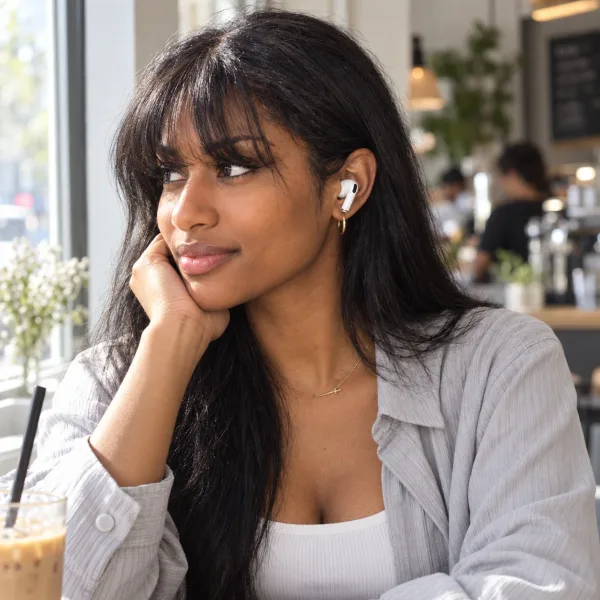
AirPods are Bluetooth earbuds. Any Android phone can pair with them and play music, take calls and run podcasts through them. You do not need an Apple account, an app, or an iPhone anywhere in the house.
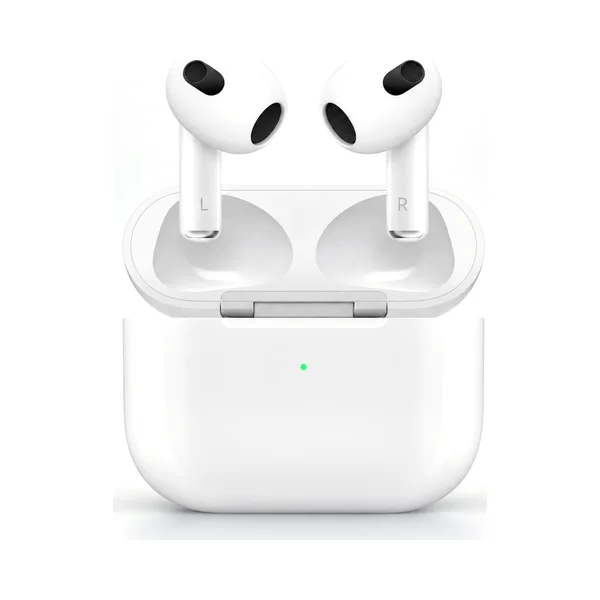
How to pair AirPods with an Android phone
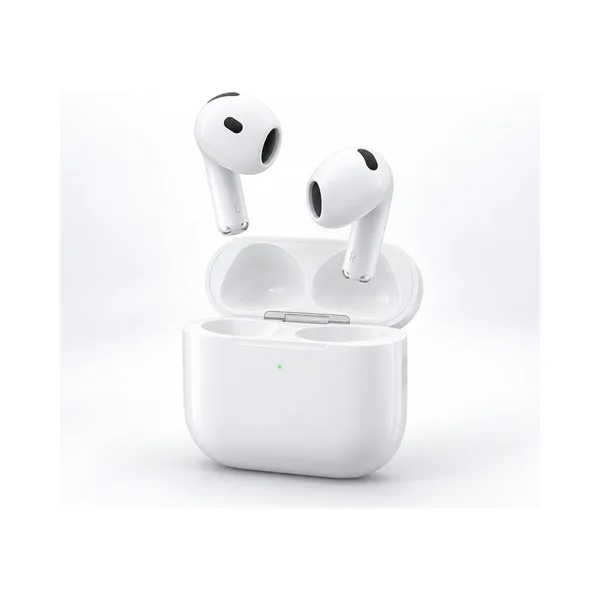
- Put both earbuds in the case and leave the lid open.
- Press and hold the button on the back of the case until the light flashes white.
- On your phone, open Settings > Connected devices > Pair new device. The wording varies by maker.
- Tap your AirPods in the list and confirm.
They will reconnect on their own afterwards, the same as any other Bluetooth earbud.
What still works
- Music, video, podcasts and phone calls, in full quality
- The microphones, including for the voice assistant on your phone
- On-earbud controls: play, pause, skip, answer and end calls
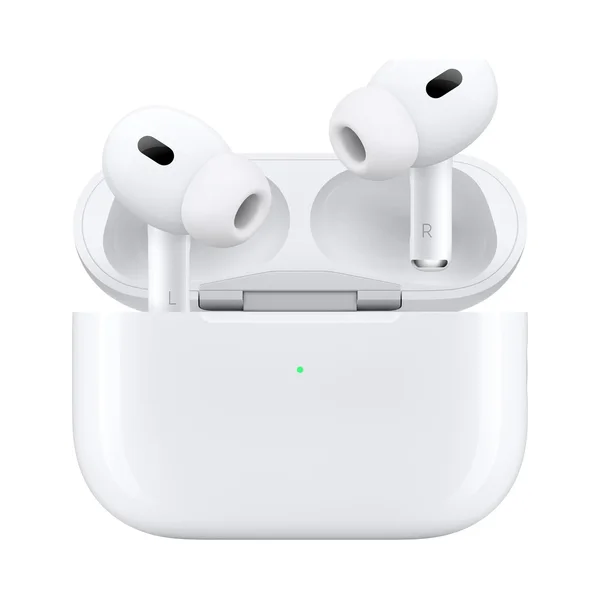
- Switching between Active Noise Cancellation and Transparency mode on the models that have them, by pressing and holding the stem
- The case speaker chirping when it charges
For a lot of people, that is the whole feature list they ever touch.
What you give up without an iPhone
Be clear-eyed about this part. These are the Apple-only pieces:
- One tap setup. No pop-up card; you pair manually as above.
- Automatic switching between your Apple devices, since there are none.
- Find My. You cannot see the earbuds on a map or make them play a sound from your phone.
- Spatial Audio with head tracking. The sound stays in your head rather than moving with it.
- Siri. Your phone's own assistant answers instead, through the AirPods' microphones.
- Custom controls and the ear tip fit test, which live in iPhone settings.
- Firmware updates. AirPods update through an Apple device. Without one, your pair stays on the software it shipped with.
- Battery percentage at a glance. Android does not show per-earbud battery the way an iPhone does. Some third-party apps estimate it, with mixed results.
- Live Translation and the newest hearing features, which need a recent iPhone.
None of that stops the earbuds working. It does mean you are paying for features you will never see, which is the real argument against buying AirPods for an Android phone.
So should an Android user buy AirPods?
Buy them if you like the fit, the sound and the shape of the controls, or if you are moving to an iPhone soon, or if there is an iPad or a Mac in your life to handle updates.
Think twice if you are buying because of the name. On Android you are getting a very good Bluetooth earbud at a premium price, with the extras switched off.
If your phone is a Samsung, look at Galaxy Buds first
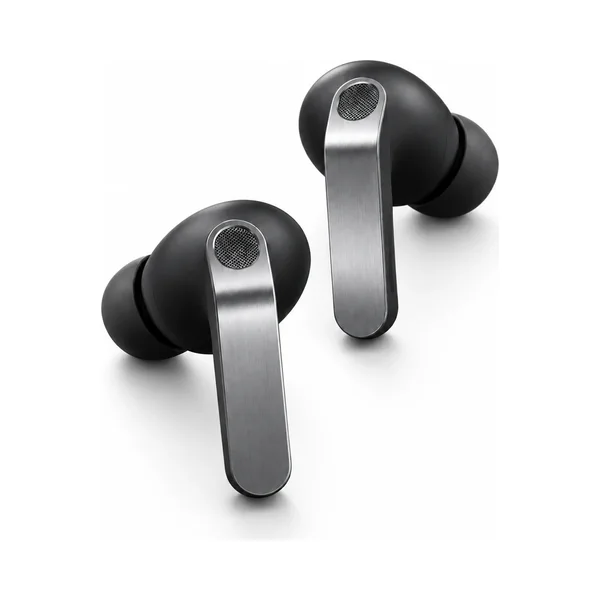
The same logic runs the other way. Galaxy Buds4 Pro pair with any phone, but their extra features are built for Samsung phones: seamless switching between your Galaxy devices, the settings already on your phone, and updates handled by the phone you own. If you carry a Galaxy, that is the pair that gives you everything you paid for.
A quick honesty check on sellers
Whatever you choose, buy from somewhere that says plainly that the product is new and factory sealed, publishes a return window, and answers messages. At CourtSound every pair is brand new in the unopened seal, US shipping is free, and you have 14 days to return it, opened or not. Our Return Policy says exactly how that works, and we answer every message ourselves.
AirPods and Apple are trademarks of Apple Inc. Galaxy Buds and Samsung are trademarks of Samsung Electronics Co., Ltd. CourtSound is an independent retailer and is not affiliated with or endorsed by either.